Filing Your T2125 by June 15? Turn Six Months of Receipts Into Line-Item Totals
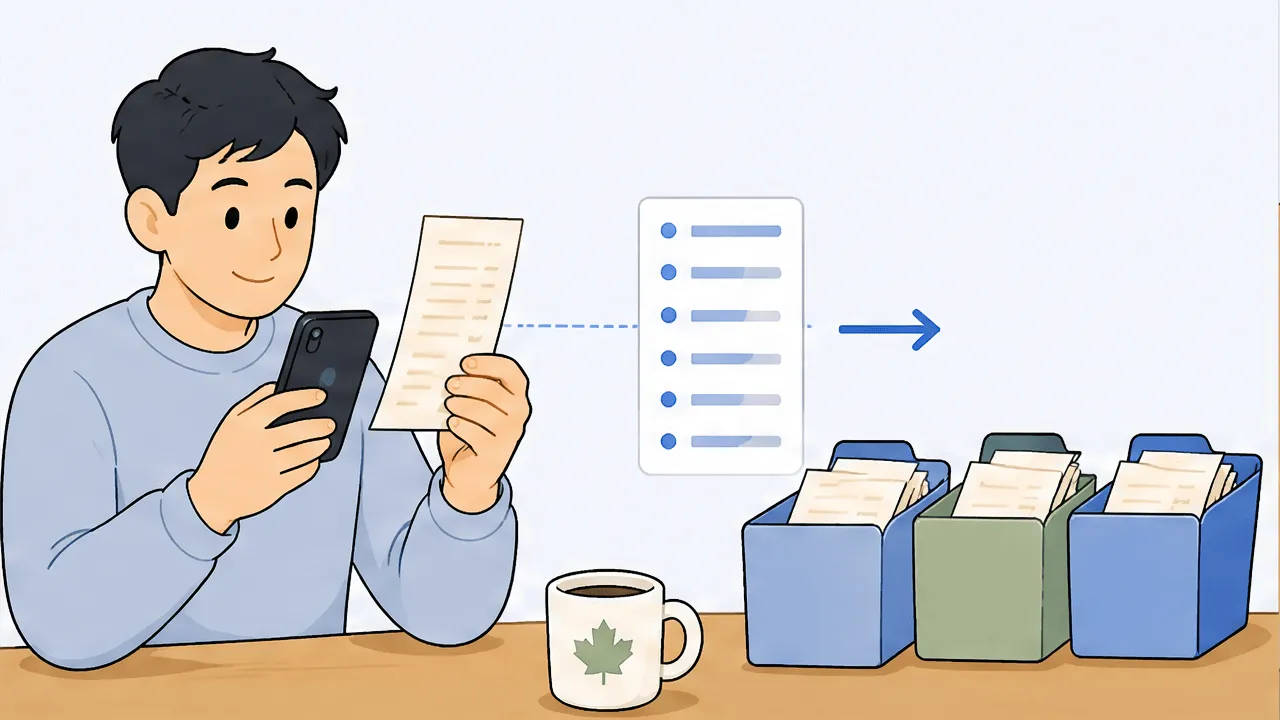
To file your T2125 by June 15, you need a total for each CRA expense line (8521 Advertising, 8690 Insurance, 8810 Office expenses, 9281 Motor vehicle, and the rest). The fastest honest way to get there is to read every receipt line by line, tag each line to its T2125 line number, then add them up by category. scan-ai does the reading and tagging so you copy a clean per-line total into each box.
If you are self-employed in Canada, June 15 is the day your return is due, and the form that holds your business numbers is the T2125. The part that stalls people is not the math. It is the staring. You open the form, you see twenty-some expense boxes with cryptic four-digit codes, and beside you sits a shoebox, a camera roll, or a folder of PDFs from the last six months. The job is to turn that pile into one clean total per box. This walks through how to do that without retyping every receipt by hand.
The good news: you do not need a bookkeeper or a weekend to get there. You need a total for each line, and a defensible way to show how you got it. Let us take it in order.
What the T2125 actually asks for
Form T2125 (Statement of Business or Professional Activities) is where a sole proprietor or independent professional reports business income and expenses. Part 4 is the expense section, and each expense type has its own CRA line number. You are not asked to attach receipts. You are asked to enter a single dollar figure on each relevant line, and to keep the receipts in case CRA ever asks to see the backup.
So the entire filing task, on the expense side, reduces to this: for every category, what is my total for the year so far, and which line does it go on. Here are the lines most self-employed people actually use, taken straight from the current T2125 form.
| CRA line | Exact CRA label | Everyday examples |
|---|---|---|
| 8521 | Advertising | Online ads, business cards, listing photos, your website |
| 8523 | Meals and entertainment (allowable part only) | Client meals (50% rule applies) |
| 8690 | Insurance | Business liability, professional / E&O, business property |
| 8710 | Interest and bank charges | Business loan interest, business card interest, merchant fees |
| 8760 | Business taxes, licences, and memberships | Licence renewals, dues, software subscriptions |
| 8810 | Office expenses | Postage, printer paper, small office consumables |
| 8811 | Office stationery and supplies | Pens, folders, the supply-run basics |
| 8860 | Professional fees | Accountant, bookkeeper, legal fees |
| 8910 | Rent | Studio, storefront, coworking, storage |
| 8960 | Repairs and maintenance | Equipment repairs, servicing tools |
| 9200 | Travel expenses | Airfare, hotel, ground transport for business trips |
| 9220 | Utilities | Business electricity, business phone, business internet |
| 9281 | Motor vehicle expenses (not including CCA) | Business-use share of fuel, repairs, insurance |
| 9270 | Other expenses | Anything ordinary and necessary that fits nowhere else |
| 9936 | Capital cost allowance (CCA) | Depreciation on equipment, computers, vehicles |
If you want the full breakdown of what belongs on each line, we wrote a dedicated guide: CRA business expense categories for the T2125. For a wider view of what self-employed Canadians can claim, see Canadian self-employed tax deductions.
General guidance, not tax advice. The line numbers are from the current CRA form, but how a specific expense is treated depends on your situation. Confirm with your accountant before filing.
The slow way, and why it stalls people
The manual approach is to sort every receipt into a category pile, add each pile up on a calculator or in a spreadsheet, and transcribe the totals into the form. It works. It is also where June 15 plans go to die, for three reasons.
First, volume. Six months of business spending is a lot of small pieces of paper, and a calculator does not forgive a fat-fingered entry.
Second, the multi-category receipt. One trip to the office-supply store can hold a printer (a capital item, possibly CCA on 9936), a ream of paper (8810), pens and folders (8811), and a coffee on the way out that is not deductible at all. A single receipt total tells you nothing about how it splits. If you just file the whole receipt under "supplies," you either overstate one line or understate another, and neither is what CRA wants to see.
Third, the deductions you forget exist. The business-use share of your phone bill, bank and merchant fees, subscription software, the licence you renewed in March. They are real, they belong on real lines, and they quietly fall off the pile when you are rushing.
The faster way: read each line, tag it, total it
The shortcut is to flip the order. Instead of sorting whole receipts into category piles, read each receipt line by line, give every line its own T2125 line number, and let the totals fall out by category.
This is exactly what scan-ai does. You photograph a receipt, or forward it by email, and it reads every line on it, not just the merchant and grand total. Then it assigns each line a tax category mapped to a T2125 line. The office-supply trip above does not become one mystery total. It becomes a printer on 9936, paper on 8810, pens on 8811, and the coffee flagged as not deductible. When June arrives, you ask for the total by category and copy one clean number into each box.
A few things make this work for a deadline rather than for show:
- It captures the whole receipt, not the card slip. For ITC and audit purposes, CRA wants the itemized receipt with the GST/HST detail, not just the tap-to-pay summary. Keeping the full image is part of the point.
- It builds the backup as you go. Every line total traces back to a specific receipt, so if CRA asks how you arrived at the number on line 8810, the answer is sitting there.
- It works from where your receipts already are. Photos, emailed PDFs, and forwarded supplier invoices all land in the same place.
You can pressure-test which of your purchases map to which line, in Canada mode, with the deduction finder. It is a quick way to sanity-check a category before you commit a total to the form.
A simple June 15 checklist
If you are filing in the next few days, here is the order that keeps it calm.
- Gather every receipt into one place. Photos, emails, PDFs, paper. Do not categorize yet, just get them in.
- Read and tag line by line. Let each line land on its T2125 line number. Split the mixed receipts now, not later.
- Pull the total by category. One number per line: 8521, 8690, 8810, 9281, and so on.
- Eyeball the obvious gaps. Did your phone, internet, software, and bank fees make it in? Those are the usual no-shows.
- Copy the totals into the T2125. One figure per box. Keep the receipts; do not attach them.
- Note the payment date. Filing is due June 15, but a balance owing was due April 30. More on that timing in the next section.
For an ongoing system so next year is not a scramble, we have a full walkthrough on how to track T2125 expenses through the year instead of reconstructing them in June.
One honest caveat about timing
Filing by June 15 keeps you onside with the filing deadline. But it is not the whole deadline story for self-employed Canadians, and it is worth knowing before you assume you are clear. The balance you owe was technically due earlier, and interest can already be running. We explain exactly how that works, calmly and without panic, in file by June 15, but the interest clock started May 1. Read that next so you size what you owe correctly.
Frequently asked questions
What is the T2125 filing deadline for self-employed Canadians? For most self-employed individuals, the income tax return including the T2125 is due June 15. Note that any balance owing is due earlier, by April 30, even though you have until June 15 to file. This is general guidance, not tax advice; confirm your dates with CRA or your accountant.
Do I attach my receipts to the T2125? No. You enter a total on each relevant expense line and keep the receipts as backup in case CRA asks to see them. Keeping the full itemized receipt (with the GST/HST detail), not just the card slip, is what protects the claim.
Can one receipt go on more than one T2125 line? Yes, often. A single store trip can include a capital item, office supplies, stationery, and a non-deductible personal item. Reading the receipt line by line and tagging each line to its own T2125 line is how you split it correctly instead of dumping the whole total on one box.
Which T2125 line does software or a subscription go on? Software subscriptions, dues, and memberships generally sit on line 8760 (Business taxes, licences, and memberships), while small office consumables go on 8810 or 8811. Deductibility depends on business use; confirm with your accountant.
How do I total six months of receipts quickly? Read each receipt line by line, tag every line to its T2125 line number, then pull the total by category. scan-ai automates the reading and tagging, so you copy one clean total into each box rather than adding piles by hand.
What if I find a deduction after I file? You can adjust a filed return through CRA's change-my-return process. The cleaner fix is to capture everything line by line as you spend, so the totals are complete before you file.
Your next step before June 15
You do not need to retype six months of receipts to file your T2125. You need a clean total on each CRA line and the receipts behind it. Reading every line, tagging it to its T2125 line number, and pulling the totals by category turns that pile into a few copy-and-paste numbers.
Check your categories in Canada mode with the deduction finder, then start free at scan-ai.ca: 20 receipt scans and 5 AI chats, no credit card. Forward or snap the receipts you still have, let each line land on its line number, and read the totals straight off.
This article is general information, not tax advice. Tax rules change and depend on your specific situation. Confirm anything with real stakes with a qualified accountant or CRA.