Receipts, deductions, and tax categories, explained
Plain-English guides for freelancers and self-employed people in the US and Canada. No jargon, no hype, sources you can check.
 Receipt Management for Freelancers
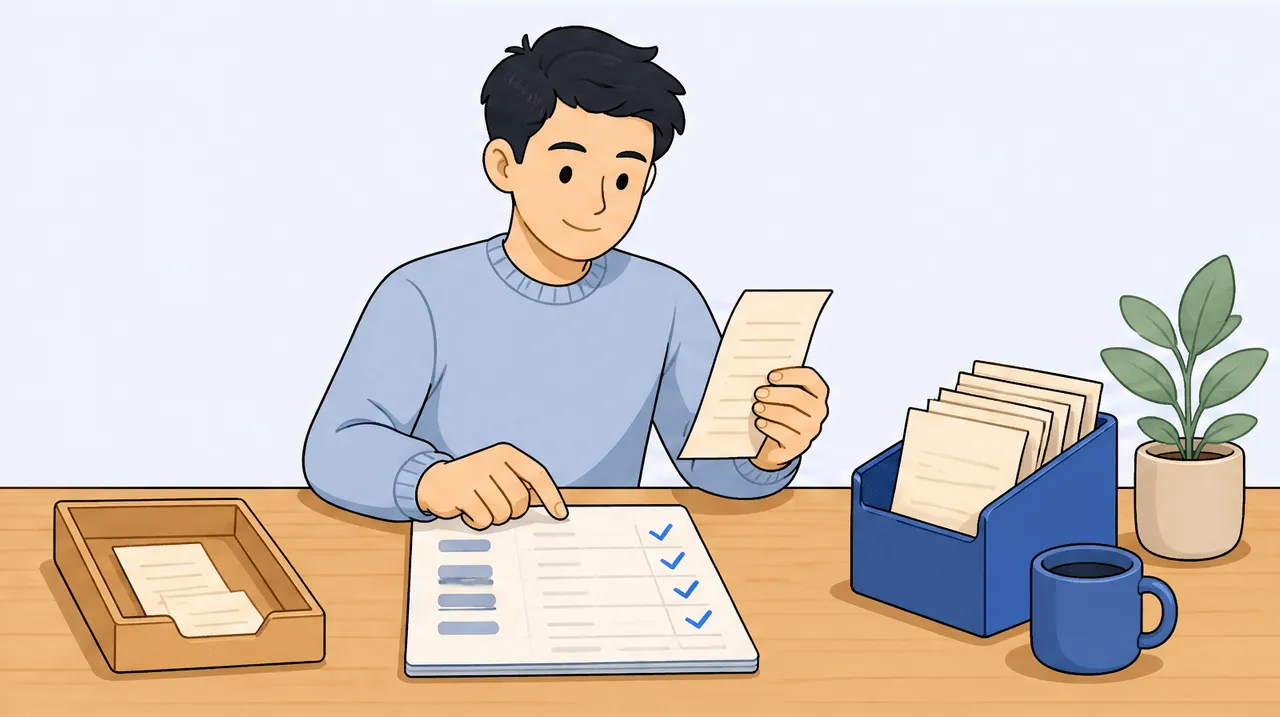
Get Your Books Current Before Q3 Close: A Late-August Reconciliation Checklist
Before Q3 closes on August 31, spend an afternoon getting your books current so the September 15 estimated-tax payment rests on real numbers. Catch up every un-scanned receipt from June to August, clear receipts sitting in an uncategorized state, fix lines on the wrong tax category, and use a quick chat over your own records to spot gaps (a month with suspiciously few expenses, a recurring charge that vanished). Current books make the quarterly estimate honest and the deductions complete.
Aug 25, 2026 · 7 min read · Read → Side-Hustle Tax 101
Q3 Estimated Taxes Are Due Sept 15. Size the Bill in August, Not the Night Before
US Q3 estimated taxes are due September 15, 2026, and they cover income earned June 1 to August 31. By late August the quarter is almost complete, so you can size the payment from real numbers instead of guessing. Set aside for self-employment tax (15.3% on 92.35% of net earnings) plus income tax in your bracket, or just pay your safe-harbor amount: 25% of either 90% of this year's tax or 100% of last year's tax (110% if your 2025 AGI was over $150,000). Run the figures now and the deadline becomes a non-event.
Aug 18, 2026 · 7 min read · Read → Audit-Proofing & Deduction Defense
Is Dext Overkill If You Are Just One Person? An Honest Look
For most solo freelancers, Dext is overkill. It is a genuinely strong tool, with automatic line-item extraction, sync to 30-plus accounting platforms, and firm-grade accuracy, but it is built and priced for accounting firms: quote-based, per-client, with a roughly 10-client minimum (about a $2,124 USD floor as commonly quoted) and no standing free tier. It also publishes to a ledger rather than mapping to a personal Schedule C or T2125. If you are one person who needs receipts read, tax-categorized, and searchable, a focused solo tool fits better and costs far less.
Aug 11, 2026 · 8 min read · Read → Side-Hustle Tax 101
You Sold $40 of Crafts. Are You Self-Employed Now?
Selling crafts can make you self-employed for tax purposes even at small amounts, but small numbers usually mean small or no tax. In the US, net self-employment earnings of $400 or more trigger a filing requirement, and you generally pay estimated tax only if you expect to owe $1,000 or more for the year. In Canada, all self-employment income is reportable no matter how small, while GST/HST registration is only required once you pass $30,000. None of this is scary at $40, but keeping your receipts from the start is what keeps it that way.
Aug 6, 2026 · 8 min read · Read → Receipt Management for Freelancers
Starting a Side Hustle This Fall? Set Up Your Receipts Before Your First Sale
Set up receipt tracking before your first sale so the money you spend getting started is captured from day one. Pick a place to keep receipts, snap or forward each one as it happens, and let it categorize itself. You do not need a bookkeeper or accounting software to start. You need a habit and somewhere for the receipts to land.
Aug 4, 2026 · 7 min read · Read → AI for Expense Intelligence
Where Did the Summer Go? Run These Chat Prompts on Your June to August Spending
A summer spending review takes about 15 minutes if your receipts are already captured. Ask your receipts plain-language questions about June through August, total your spending by tax category, then feed that profit picture into the quarterly tax calculator so the September 15 estimated-tax deadline is a known number, not a surprise.
Aug 1, 2026 · 7 min read · Read →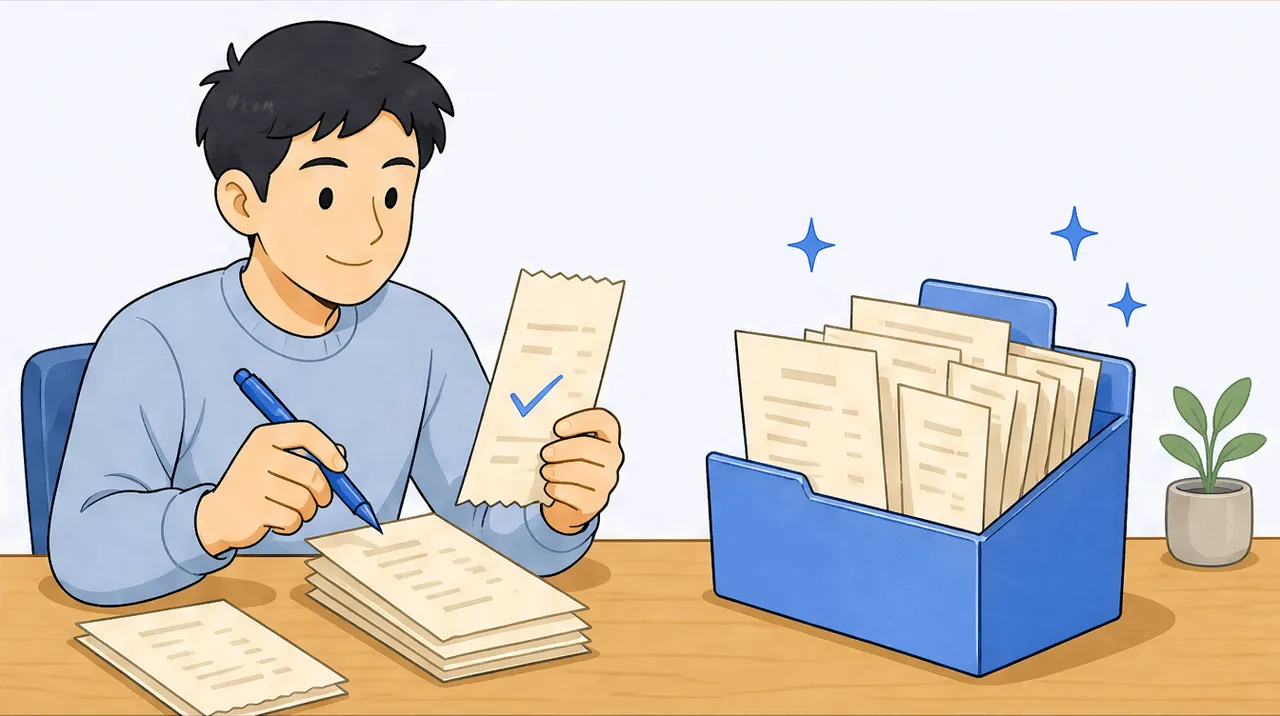 Canadian Tax Compliance
GST/HST Filed? Here's How to Keep Your Q3 Receipts Audit-Clean From Day One
To keep your Q3 receipts audit-clean from day one, capture each receipt the moment you get it, keep the full itemized version with the supplier's GST/HST number and tax amount, and let each line be sorted to its T2125 category as it arrives. CRA accepts digital records as long as they are complete, legible, and retained, so a clean digital capture habit replaces the shoebox and stands up on review. Start the habit now, while the quarter is empty, and the next filing is already half-built.
Jul 28, 2026 · 7 min read · Read → Side-Hustle Tax 101
Your Summer Side Hustle Is Making Money. Is It Tracking the Expenses?
The summer is when side hustle receipts pile up fastest, so the fix is to capture each expense the moment it happens instead of saving a shoebox for tax season. Forward email receipts to a single capture address and snap paper ones at the counter, let each line get sorted to its tax category as it arrives, and your deductions are built by the time you file. Capturing as you go is far easier than reconstructing months later.
Jul 23, 2026 · 8 min read · Read → Receipt Management for Freelancers
Wave Just Paywalled Your Receipts. Here's the Free Way to Keep Scanning.
Wave is genuinely good free accounting and invoicing, but receipt scanning is no longer in its free plan: it is now an add-on (about $11 CAD / $8 USD a month) or bundled into Pro at $19 USD a month. If receipts are mainly what you scanned Wave for, you can keep doing that for free with scan-ai (20 scans, no credit card), and you gain per-line reading that Wave's header-only capture does not offer. Keep Wave for the accounting if you use it; just move the receipt step.
Jul 21, 2026 · 8 min read · Read →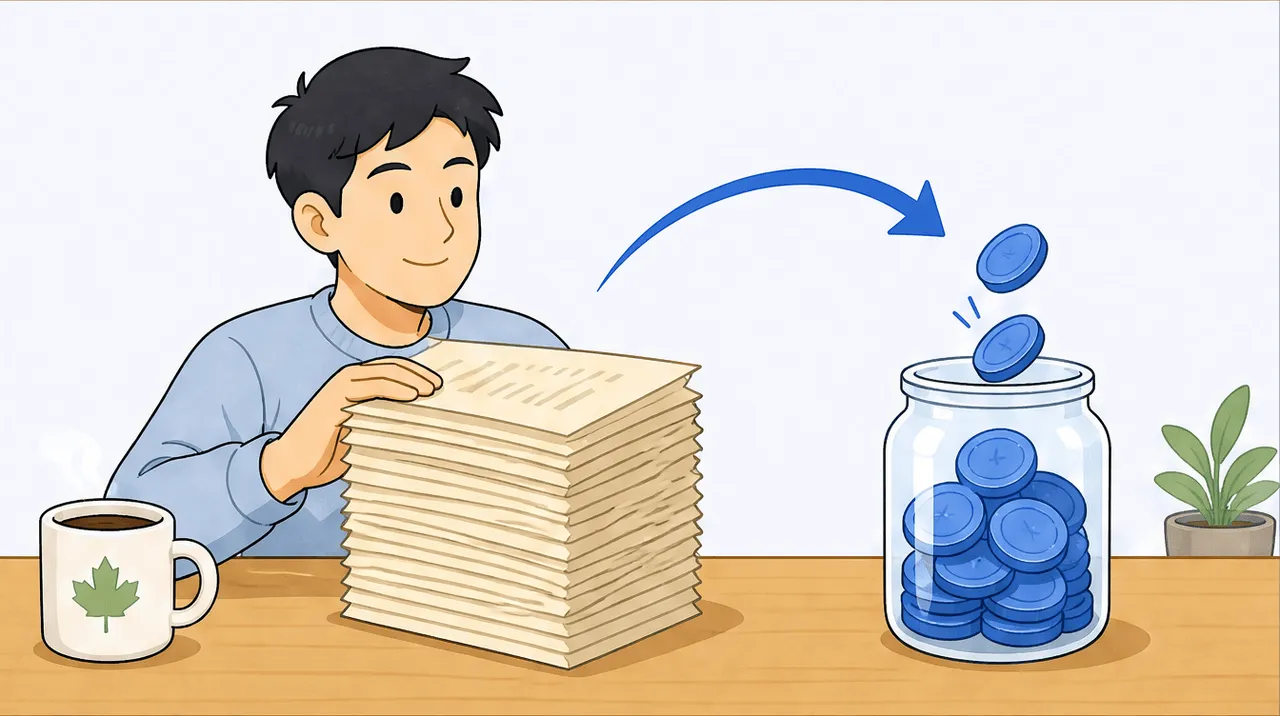 Canadian Tax Compliance
GST/HST Is Due July 31: Find Every Input Tax Credit Hiding in Your Q2 Receipts
To find every input tax credit in your Q2 receipts, pull all April-to-June business receipts, confirm each one shows the GST/HST amount and the supplier's registration number, map each to its T2125 line, claim only the business-use share, then total the GST/HST to net against what you remit by July 31. Keep the full itemized receipt, not the card slip, because purchases of $100 or more and of $500 or more each need extra detail on the receipt itself.
Jul 14, 2026 · 8 min read · Read → Side-Hustle Tax 101
The 5 Most-Missed Deductions for Freelance Creatives
The five deductions freelance creatives miss most are software and subscriptions, the business-use share of home internet, equipment, education and reference material, and portfolio or website costs. Each maps to a specific Schedule C line, and each only holds up if you keep the receipt and note the business purpose.
Jul 9, 2026 · 8 min read · Read →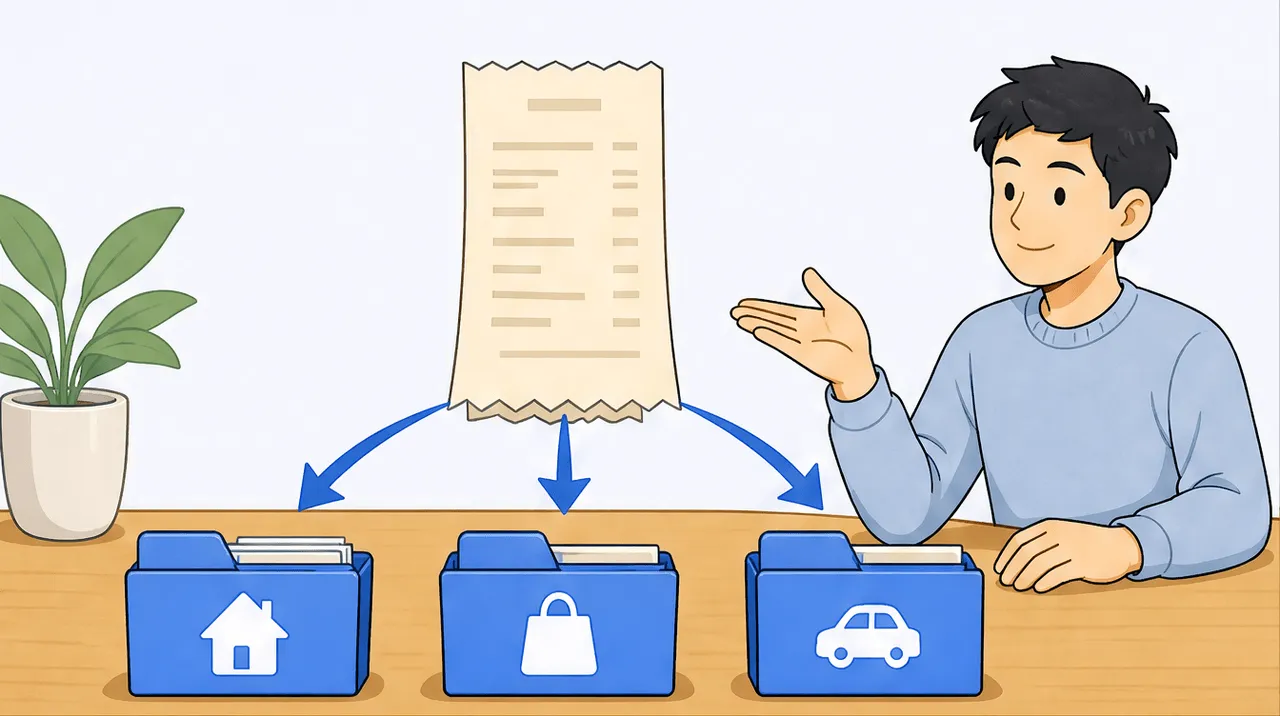 AI for Expense Intelligence
Your Amazon Receipt Isn't One Expense. It's Five.
A single Amazon, Costco, or office-store order usually contains several different tax categories, not one. Header-only receipt scanners read only the merchant, date, and total, so the whole order gets filed under one category. Per-line reading looks at each line on the receipt, gives it its own tax category, and maps it to the right Schedule C or T2125 line, so a mixed order is split correctly instead of lumped together.
Jul 7, 2026 · 8 min read · Read → AI for Expense Intelligence
The Quiet Quarter: Why July Is the Best Month to Fix Your Freelance Bookkeeping
July is the best month to fix your freelance bookkeeping because it sits between deadlines, so you can catch up calmly instead of under pressure. A 30-minute mid-year reset (catch up your scans, fix uncategorized lines, then run a quick spending review) leaves the second half of the year clean and your numbers ready when the next deadline arrives.
Jul 2, 2026 · 8 min read · Read →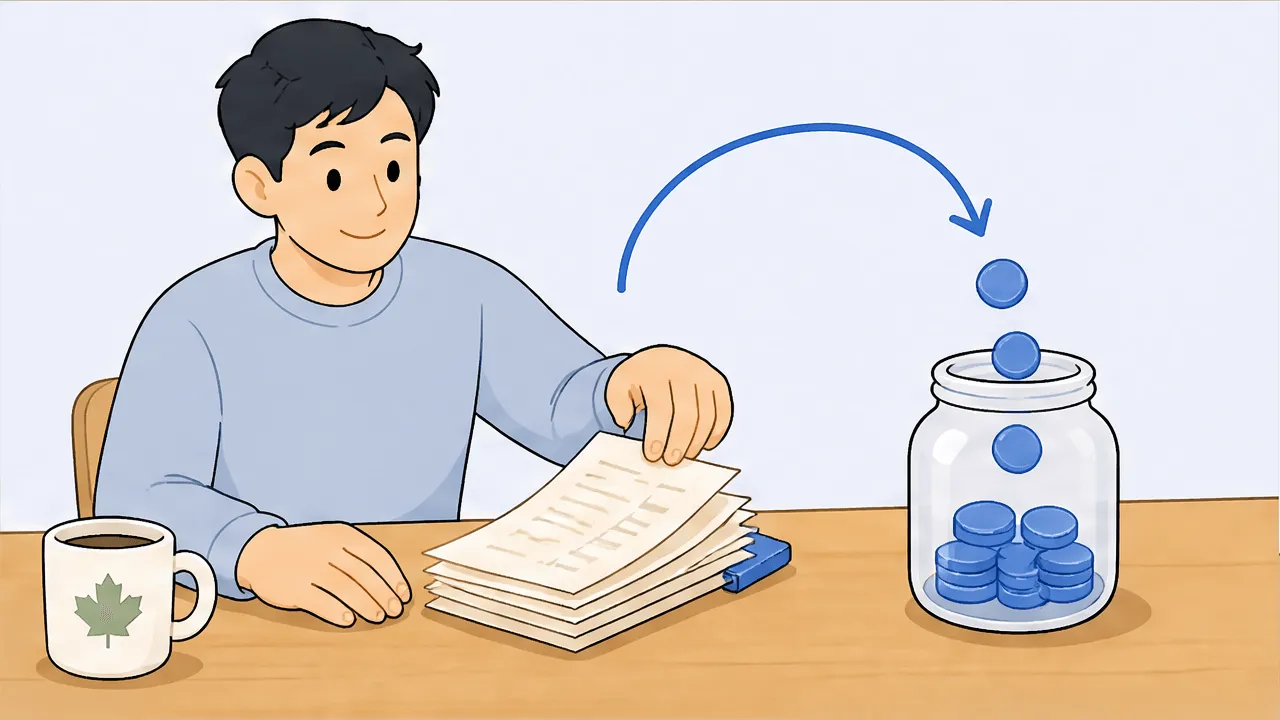 Canadian Tax Compliance
GST/HST Is Due July 31: Find Every Input Tax Credit in Your Q2 Receipts
An input tax credit (ITC) lets a GST/HST-registered business recover the GST/HST it paid on purchases used in its commercial activities, netting that tax off what it remits. You can only claim ITCs if you are registered, and you need the right documentation, which scales with the purchase amount. For quarterly filers, an April-to-June period is due July 31, so Q2 is the receipts to comb now. This is general guidance, not tax advice.
Jun 26, 2026 · 8 min read · Read → AI for Expense Intelligence
Half-Year Money Check: 5 Chat Prompts to Run on Your H1 Spending
A half-year money check is asking your own receipts five questions about January-to-June spending: your biggest deductible category, your software spend this quarter, everything over $50 with no category, where the money actually went, and which months are missing receipts. With ask-your-receipts chat you get plain-language answers in minutes instead of building a spreadsheet, so a June 30 review is a coffee-break task.
Jun 24, 2026 · 8 min read · Read →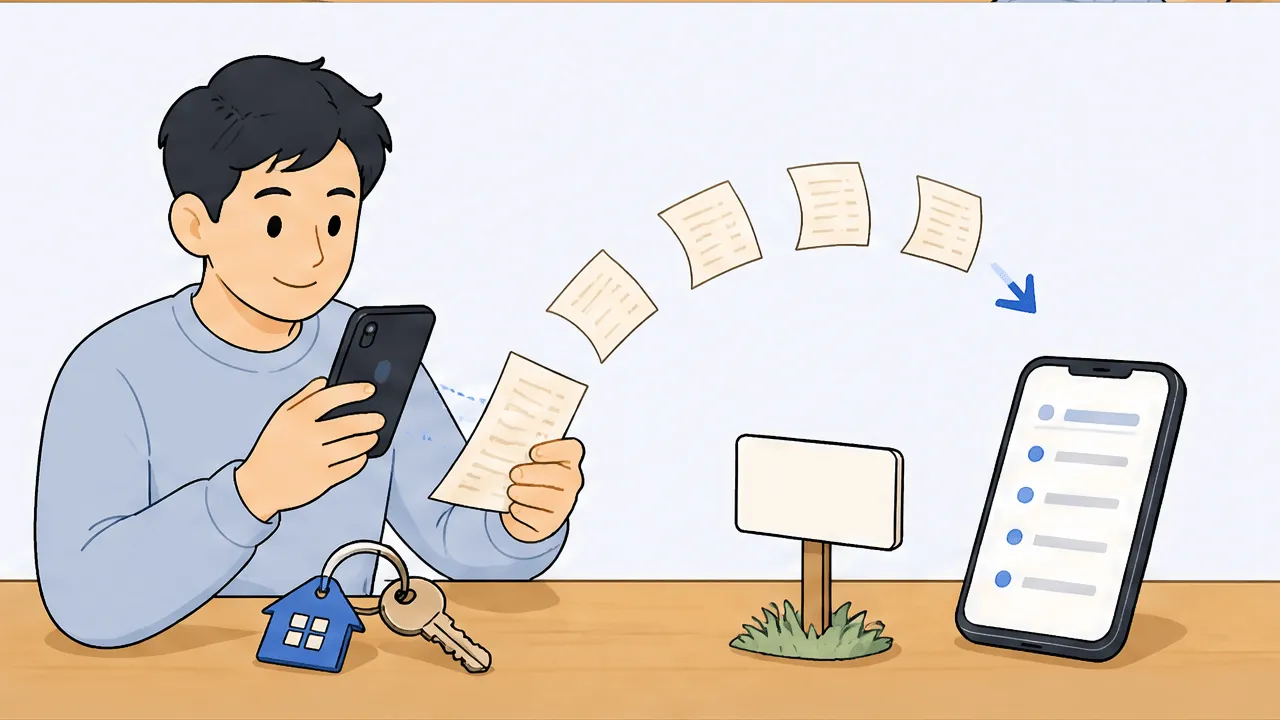 Audit-Proofing & Deduction Defense
Realtors Leave Thousands in Small Deductions on the Table. Capture Every Line
Realtors lose deductions because their costs are small, frequent, and scattered across many mixed receipts. One supply run can hide signage, staging items, office supplies, and client-gift costs that each belong on a different tax line. Reading every receipt line by line, and tagging each line to its own category, captures what a header-only scan drops and builds the itemized audit trail you need if questioned. General guidance, not tax advice.
Jun 17, 2026 · 9 min read · Read → Canadian Tax Compliance
File by June 15, But the Interest Clock Started May 1: Sizing What You Owe in Canada
Self-employed Canadians have until June 15 to file, but any balance owing was due April 30, so CRA interest runs from May 1 on whatever is unpaid. You cannot stop interest by filing; you stop it by paying. The practical move is to size what you owe now from your categorized income and expenses, pay that down, and then finish filing. This is general guidance, not tax advice.
Jun 15, 2026 · 7 min read · Read → Receipt Management for Freelancers
The Cheapest Way to Handle Your June 15 Receipts
For the narrow job of turning receipts into tax-categorized records before June 15, the cheapest path is a focused receipt tool rather than a full accounting suite. scan-ai starts free (20 scans, no credit card) and tops out at $10/month, reads each line on a receipt, and maps it to Schedule C or T2125. The bigger suites cost more here because you are also paying for bank import, invoicing, and payroll you may not need for this task.
Jun 11, 2026 · 8 min read · Read → Side-Hustle Tax 101
Do You Owe the IRS on June 15? The Safe-Harbor Test in Plain English
You generally owe federal estimated taxes if you expect to owe $1,000 or more for the year after withholding. You avoid an underpayment penalty by hitting a safe harbor: paying at least 90% of this year's tax, or 100% of last year's tax (110% if your prior-year AGI was over $150,000). The second-quarter payment is due June 15, 2026. Run your number through the quarterly tax calculator to see where you land.
Jun 9, 2026 · 8 min read · Read → Canadian Tax Compliance
Filing Your T2125 by June 15? Turn Six Months of Receipts Into Line-Item Totals
To file your T2125 by June 15, you need a total for each CRA expense line (8521 Advertising, 8690 Insurance, 8810 Office expenses, 9281 Motor vehicle, and the rest). The fastest honest way to get there is to read every receipt line by line, tag each line to its T2125 line number, then add them up by category. scan-ai does the reading and tagging so you copy a clean per-line total into each box.
Jun 6, 2026 · 9 min read · Read → Receipt Management for Freelancers
Your Mid-Year Receipt Cleanup: A 6-Month Catch-Up Checklist for Freelancers
A mid-year receipt cleanup means gathering every receipt from January to June (photos, email, and paper in one place), scanning them so line-item OCR can split mixed purchases, mapping each line to Schedule C or T2125, and then asking your receipts which months still have gaps. You are halfway through the year, not behind on a year, so it is a few focused sessions, not a crisis.
Jun 5, 2026 · 9 min read · Read → Compare
Best Receipt App for Freelancers in 2026, by Who Each One Fits
There is no single best receipt app for freelancers in 2026, only the right fit for your situation. Expensify fits teams and corporate cards. QuickBooks fits anyone who needs full accounting, invoicing, and payroll. Wave fits a free-accounting budget. Shoeboxed fits mail-in paper and automatic mileage tracking. Dext fits accounting firms. scan-ai fits a price-conscious solo filer who mainly needs receipts read, categorized to Schedule C or T2125, and searchable, free to start and $10/month at most.
Jun 2, 2026 · 13 min read · Read → Compare
Expensify vs QuickBooks: Which One Do You Actually Need?
Expensify and QuickBooks solve different jobs. Expensify is expense management: employees submit spend, managers approve it, the company reimburses it. QuickBooks is full accounting: invoicing, payroll, bank feeds, and books that close at tax time. If you run team expenses, pick Expensify. If you keep books, pick QuickBooks. Many businesses run both, with Expensify feeding expenses into QuickBooks.
Jun 2, 2026 · 11 min read · Read → Compare
QuickBooks vs Wave: Which Accounting Suite Fits Your Small Business?
Pick Wave if you want free core accounting and invoicing on a tight budget and you are fine paying separately for receipt capture. Pick QuickBooks if you want more depth, payroll, and a wider integration ecosystem, and you will pay for it. Both are real accounting suites. The deciding details are how much you will outgrow free, and what receipt capture costs on each.
Jun 2, 2026 · 12 min read · Read → Compare
scan-ai vs Dext: A Firm Tool vs a One-Person Tool
Dext is a strong tool, but it is sold to accounting and bookkeeping firms: quote-based, priced per client, with a 10-client minimum. For one self-employed person that is a mismatch. scan-ai is built and priced for a single freelancer, from free to $10/month, and it maps each receipt to T2125 and Schedule C lines you can ask questions about. Pick Dext if you are a firm serving many clients; pick scan-ai if you are one person handling your own receipts.
Jun 2, 2026 · 10 min read · Read → Compare
scan-ai vs Expensify: Team Expenses or Your Own Taxes?
Expensify is built for teams: an employee spends, a manager approves, finance reimburses, and corporate cards reconcile. scan-ai is built for one self-employed person finding and categorizing their own tax deductions, with no approver in the loop. Pick Expensify if you run or submit team travel and expense. Pick scan-ai if you spend your own money and need receipts mapped to Schedule C or T2125 lines at a low price.
Jun 2, 2026 · 10 min read · Read → Compare
scan-ai vs QuickBooks for receipts: pair them, do not pit them
QuickBooks Online is a full accounting suite (invoicing, payroll, bank-feed import) starting around $22 CAD/month for EasyStart. scan-ai is a focused receipt tool that reads each receipt and maps it to a Canada T2125 or US Schedule C tax line, free to start and $10/month at most. If you already keep your books in QuickBooks, the honest move is to pair them: QuickBooks for the ledger, scan-ai for receipt capture and tax-line categorization. If receipts are the only job you need handled, scan-ai alone is cheaper.
Jun 2, 2026 · 9 min read · Read → Compare
scan-ai vs Shoeboxed: Mail-In Scanning or Snap-and-Categorize?
If you have boxes of old paper receipts you want someone else to physically sort and scan, Shoeboxed is built for that, and it tracks trips automatically too, but it has no free plan and runs $9 to $179 a month. If you mostly snap or email receipts as they come in and want them mapped to Canadian T2125 and US Schedule C tax lines, scan-ai is cheaper ($0 to $10 a month), starts free with no credit card, and lets you ask your receipts questions. Both do mileage, but scan-ai has you enter each trip by hand and then applies the CRA or IRS standard rate.
Jun 2, 2026 · 10 min read · Read → Compare
scan-ai vs Wave for Receipts: The Part of Wave That Isn't Free
Wave is genuinely good, genuinely free accounting and invoicing, and if you keep books you should keep it. But receipt capture is not part of free Wave: it is an $11/mo add-on on the free plan, or it comes with Pro at $19 USD / $25 CAD per month (as of June 2026). scan-ai scans receipts on a real free tier (20 scans plus 5 AI chats, no credit card) and maps each one to a Schedule C or T2125 line. If receipts are your main need, scan-ai alone is cheaper. If you already run Wave, pair scan-ai with it and skip the add-on.
Jun 2, 2026 · 11 min read · Read →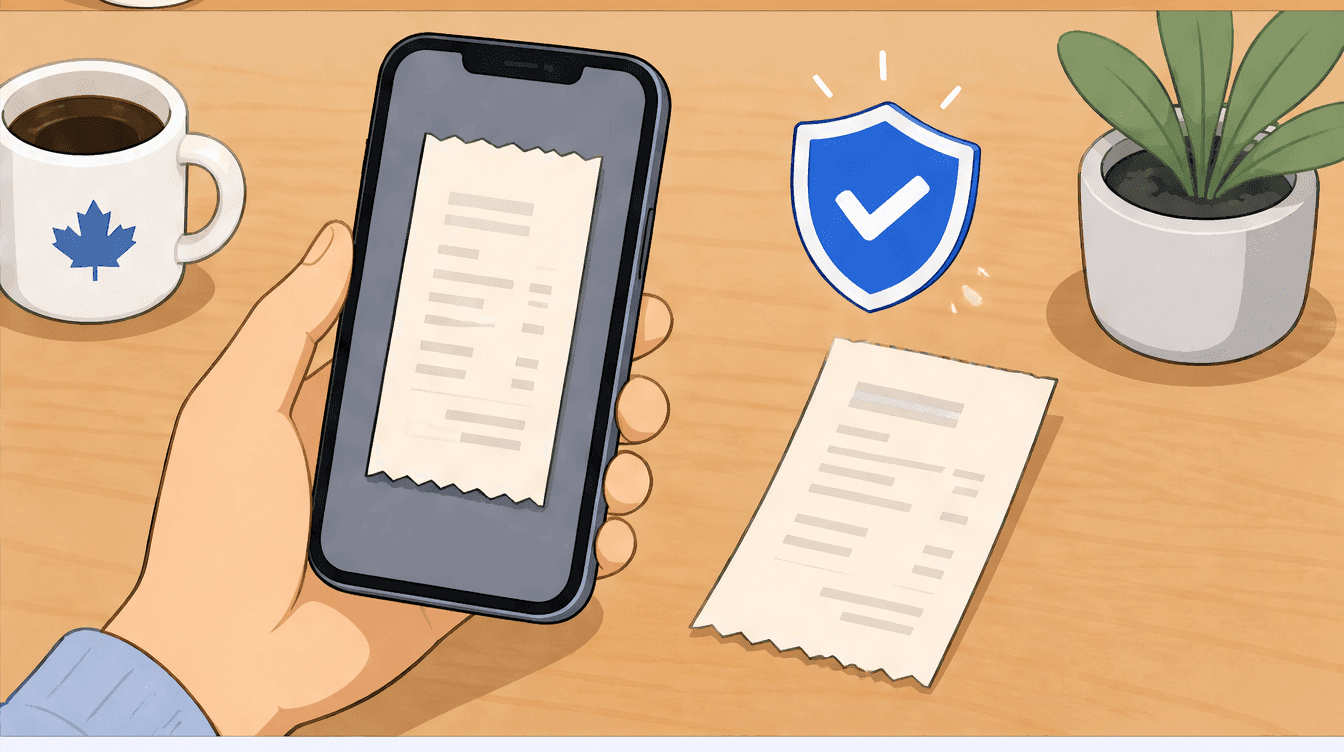 Canada tax
Are Digital Receipts Valid for CRA Audits? What the Rules Actually Say
Yes. The CRA accepts digital receipts. It requires adequate records that are complete and readable, not paper specifically. A clear photo of the full receipt showing vendor, date, amount, and tax is an acceptable record. Keep it for six years, and capture it early because thermal paper fades.
May 29, 2026 · 10 min read · Read → Canada tax
Canadian Self-Employed Deductions: The Complete Guide
Self-employed Canadians can deduct the reasonable, business-use portion of costs like home office (line 9945), vehicle (line 9281), supplies, advertising, and professional fees on Form T2125. You claim only the business share and keep records for six years. The real work is capturing the ordinary expenses you already have, not finding exotic write-offs.
May 29, 2026 · 17 min read · Read → Canada tax
T2125 Guide: Every CRA Business Expense Category, Line by Line
Form T2125, Statement of Business or Professional Activities, is the CRA form where sole proprietors, freelancers and unincorporated professionals report business income and expenses on their personal T1 return. Expenses map to about 20 numbered lines: advertising (8521), meals and entertainment (8523, 50% deductible), office expenses (8810), and capital cost allowance (9936) among them. Put each cost on the line that matches it, claim only the business-use portion, and keep the receipt for six years.
May 29, 2026 · 23 min read · Read →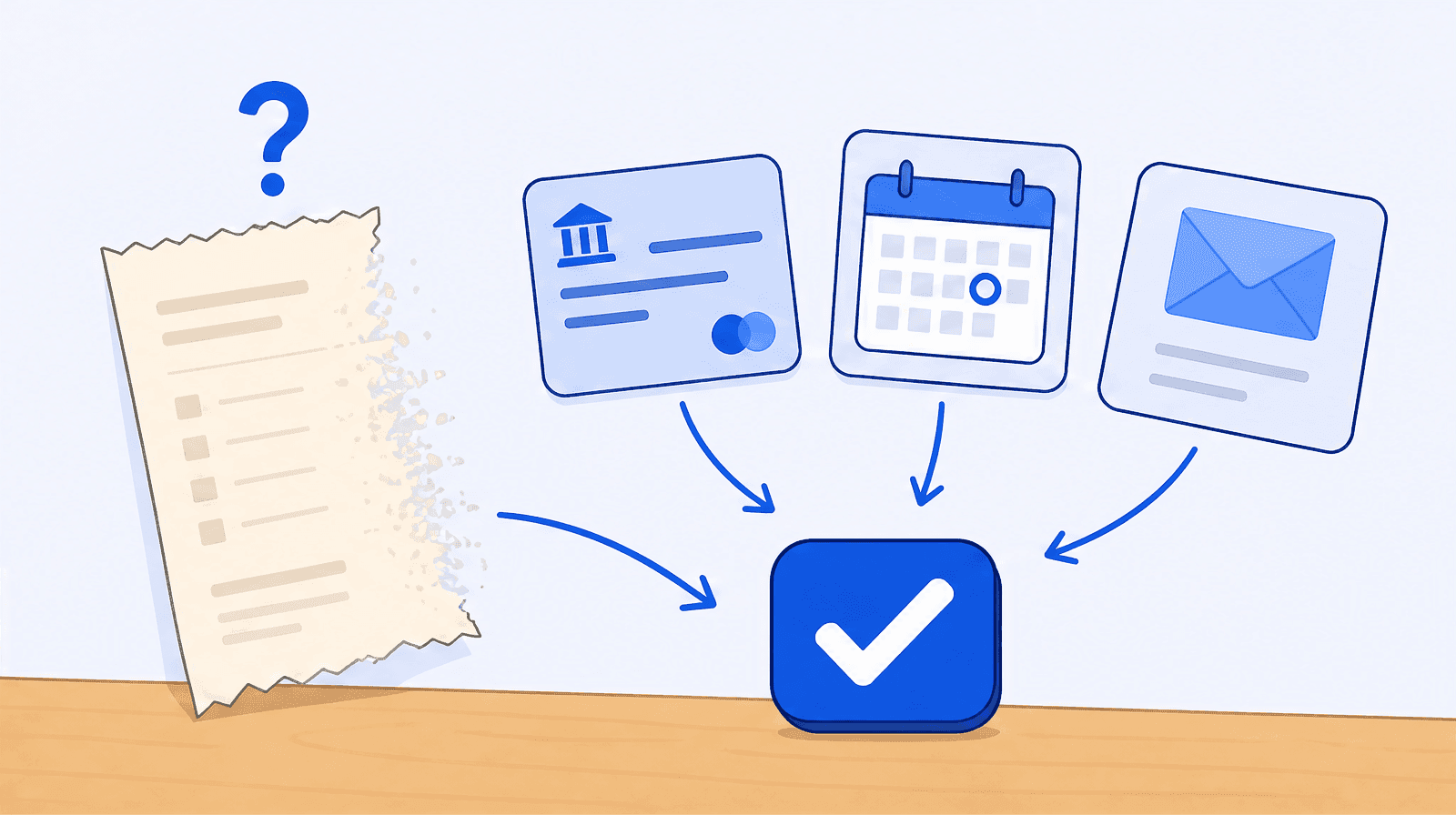 Receipts
Lost Receipt Tax Deduction: How to Still Claim It
A lost receipt usually does not kill the deduction. Tax authorities care that you can prove the expense was real and business-related, not that you kept a specific slip. Bank and card statements, invoices, calendar entries, and a written note of the purpose can support a legitimate claim. The US $75 rule and the Cohan rule give further room.
May 29, 2026 · 13 min read · Read →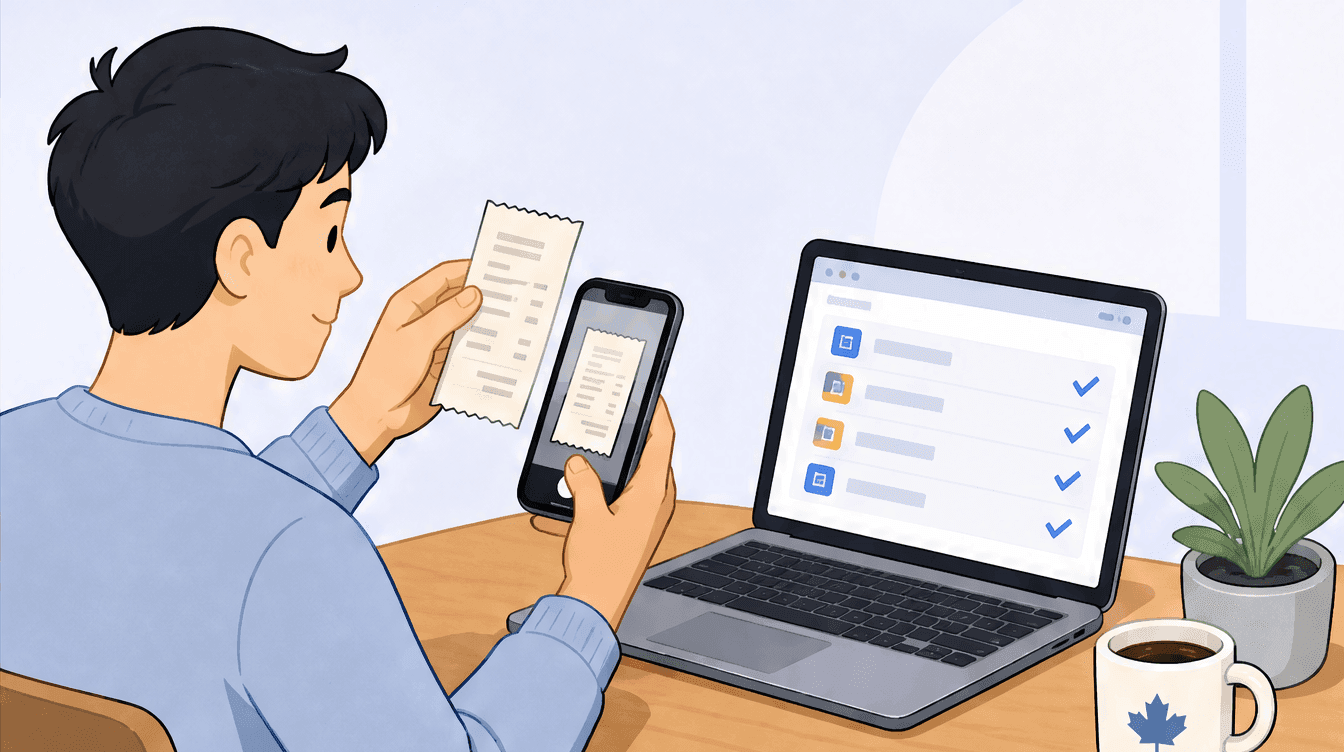 Canada tax
T2125 Expense Tracking: How to Track Expenses Without a Spreadsheet
The simplest way to track T2125 expenses is to capture each receipt the day you get it and sort it to its CRA line number as you go, instead of rebuilding a year in a spreadsheet at filing time. The T2125 only asks for a total per category, so year-round categorization turns tax season into a copy-and-paste job.
May 29, 2026 · 13 min read · Read →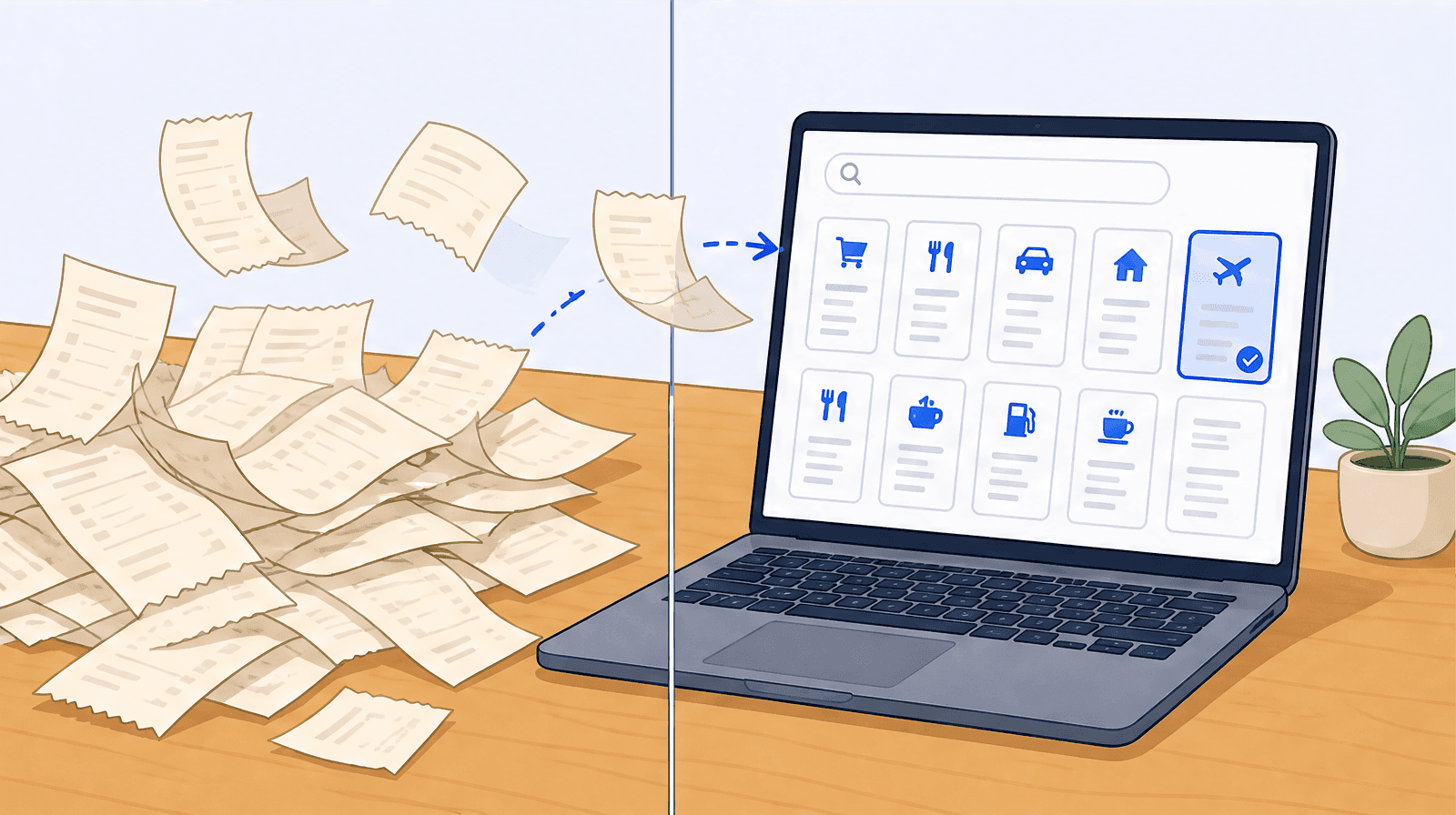 Receipts
What Receipts Should I Keep for Taxes? The Definitive Checklist
Keep a receipt for every business expense you deduct: supplies, software, travel, meals, home office, vehicle, and professional fees. Digital photos are fully accepted by the IRS and CRA as long as they are complete and legible. Keep US records at least three years and Canadian records six years.
May 29, 2026 · 14 min read · Read → Behind scan-ai
Why scan-ai stays cheap, written by the person who decides the price
scan-ai stays cheap because it is one person, funded by a separate full-time job, with no investors demanding a return. Scanning a receipt costs a fraction of a cent, so the price can sit near the cost to run it. It has fewer features than funded competitors today and the native apps are still in testing, but what is shipped is rigorously tested and the feature gap is closing fast at a fraction of their price.
May 29, 2026 · 5 min read · Read →


