What Receipts Should I Keep for Taxes? The Definitive Checklist
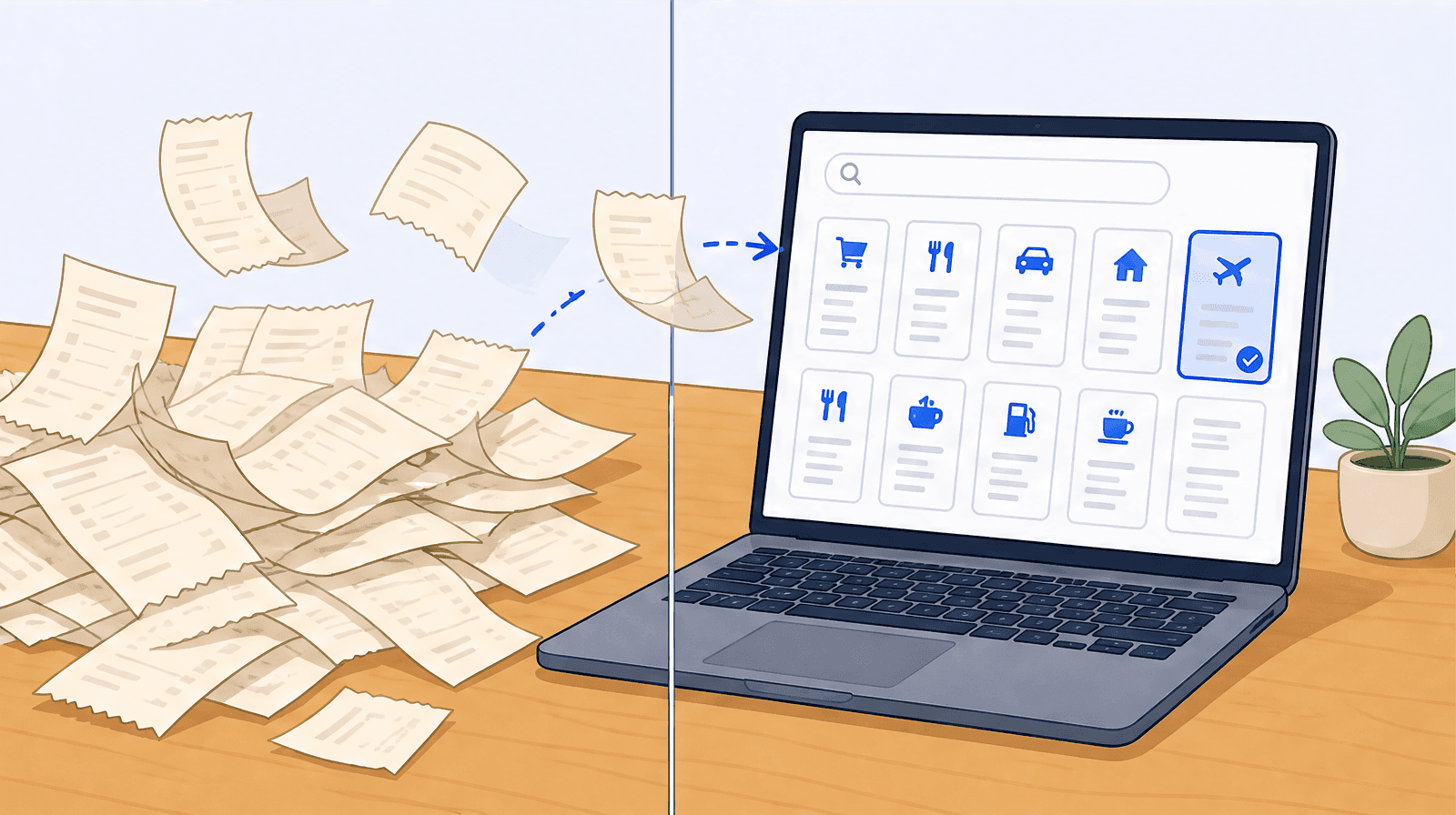
Keep a receipt for every business expense you deduct: supplies, software, travel, meals, home office, vehicle, and professional fees. Digital photos are fully accepted by the IRS and CRA as long as they are complete and legible. Keep US records at least three years and Canadian records six years.
You know the shoebox. The glovebox stuffed with gas receipts, the inbox folder you named "expenses" in January and never opened again, the fading thermal slip from a coffee meeting you swear was deductible. Then March arrives, and the question lands: what receipts should I keep for taxes, and which of these crumpled scraps actually count?
Here is the honest answer. You should keep more than you think, but you can do it smarter, not harder. If you are self-employed in the US or Canada, the tax agency expects you to back every deduction you claim with a record. The rules are clearer than the shoebox makes them feel, digital copies are fully accepted, and most of what trips freelancers up comes down to a handful of categories and one habit.
This guide is general information, not personalized tax advice. The thresholds below come from the IRS and the Canada Revenue Agency (CRA), and they shift with your situation, so treat the high-stakes calls as a conversation to have with a tax professional. With that said, here is the checklist.
The short answer: what receipts should I keep for taxes?
Keep a receipt for every business expense you plan to deduct, plus the records that prove your income. For a freelancer that means office supplies, software and subscriptions, home office costs, business travel and meals, mileage logs, marketing and advertising, professional fees, and equipment. On the income side, keep invoices, 1099s (or T-slips in Canada), and deposit records.
A receipt earns its keep when it shows four things: the date, the amount, the vendor, and what you bought. Hold onto these documents in case the tax agency asks, but you do not submit them with your return. You keep them. That distinction trips up a lot of people, so it is worth saying plainly: your receipts are your evidence locker, not an attachment to your filing.
The IRS groups the records a self-employed person should keep into a few buckets: gross receipts (income), purchases, expenses, travel and transportation, and assets. The CRA frames it similarly for sole proprietors and partnerships: keep enough to support every amount of income and every expense you report. Everything below is those buckets, translated into a freelancer's real life.
The full self-employed receipt checklist
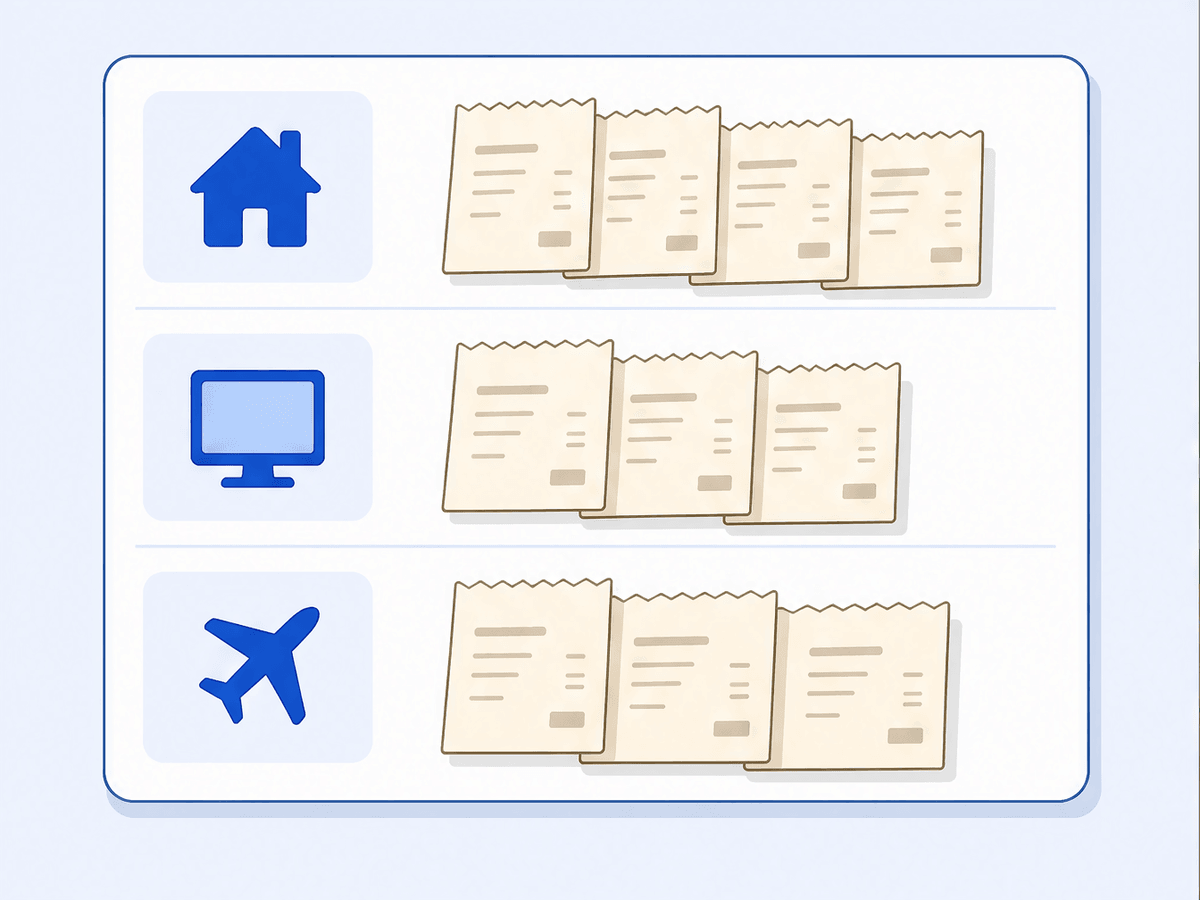
Here is the working list of receipts to keep for self-employed taxes, organized so you can match a slip to a category in a few seconds. Whether a given expense is deductible (and by how much) depends on your situation and your country, so use this as a sorting guide and confirm the specifics with your accountant.
Home office (rent, mortgage interest, utilities, internet, insurance)
If you work from home, a portion of your housing costs may be deductible based on the share of your home used for business. Keep rent or mortgage interest statements, property tax, utility bills (hydro, gas, electricity), home internet, and a home insurance statement. You generally claim a percentage of these, so the underlying bills matter more than any single number. In the US this often runs through Schedule C and Form 8829; in Canada it flows into the business-use-of-home section of the T2125.
Technology and software (hardware, SaaS, hosting, domains)
This category is the easiest to lose, because so much of it is a silent monthly charge on a card. Keep receipts and invoices for laptops, monitors, phones, and other hardware, plus every recurring subscription: design tools, accounting software, your email and storage plans, web hosting, and domain renewals. The annual $9 domain charge and the $20-a-month app add up to real deductions over a year, and they are exactly the line items that vanish from memory by tax time.
Travel, meals, and mileage (the stricter-rule categories)
Travel, meals, and vehicle costs come with tighter substantiation rules in both countries, so keep more detail here, not less. For business travel, hold onto flights, hotels, ground transport, and conference fees. For meals, keep the receipt and a quick note of who you met and the business purpose; meal deductions are commonly limited (often to 50 percent), so the note protects you. For mileage, keep a logbook with the date, destination, business purpose, and distance for each trip. scan-ai gives that log a home: enter each trip and it applies the CRA or IRS standard rate and files the total to your vehicle tax line. It will not detect trips on its own, so writing them down stays a habit you keep. The gas, parking, and toll receipts that support vehicle costs are squarely the kind of slip worth capturing too.
Marketing and client acquisition (ads, website, client gifts)
The cost of finding and keeping clients is generally deductible, so keep the paper trail: online ad spend, your website build and maintenance, business cards, portfolio platforms, and promotional materials. Client gifts get their own caution flag. The US caps the gift deduction at a low per-recipient amount and expects a receipt regardless of size, so keep those slips and note who the gift was for.
Professional services and fees (accountant, legal, bank fees, dues)
The people and tools that keep your business running leave receipts worth saving. Keep invoices from your accountant and bookkeeper, legal fees, business bank account and merchant processing fees, professional association dues, and continuing-education or licensing costs tied to your work. Paying for tax help is itself often deductible, which is a small consolation when the bill arrives.
Income records you also have to keep (invoices, 1099s, deposits)
Deductions get the attention, but the agencies care just as much about income. Keep copies of every invoice you send, every 1099 or T-slip you receive, your deposit and bank records, and any payment-processor statements (the platform you invoice through, for example). The CRA expects income records to show the date, the amount, and the source, and the IRS treats gross receipts as a core record category. If your reported income and your deposits do not line up, that gap is what an audit is built to find.
What makes a receipt valid? The 4 details every receipt needs
A valid receipt is not about whether it is paper or pixels. It is about whether it answers four questions:
- Date. When the purchase happened.
- Amount. What you paid, including tax.
- Vendor. Who you paid.
- Description. What you bought, so the business purpose is clear.
A slip that shows all four is proof. One that shows only a total and a logo is weak evidence, which is why a card statement alone often is not enough (more on that below). For meals, travel, and gifts, add the business purpose and, where relevant, who was there. That single note is the difference between a clean deduction and a disallowed one if anyone asks.
Do I need paper receipts, or are digital copies fine?
This is the question that keeps people clinging to fading thermal paper they cannot read by July. The short version: no, you do not need paper. Both the IRS and the CRA accept digital and scanned records, as long as they are legible, complete, and you can retrieve them on request.
What the IRS says about digital and scanned receipts
The IRS has accepted electronic records for years. A scanned or photographed receipt is valid supporting documentation as long as it is clear, accurate, and stored so you can produce it on request. The format does not matter; the legibility and the four data points do.
What the CRA says (and the 6-year rule for Canadians)
The CRA also accepts electronic records, with the same caveat that they must be readable and retrievable. For self-employed Canadians this is good news, because so much US-focused advice never gets to the CRA side. We go deeper in our post on whether digital receipts are valid for CRA audits, but the headline is that a well-kept digital copy stands on its own.
Are phone photos of receipts acceptable?
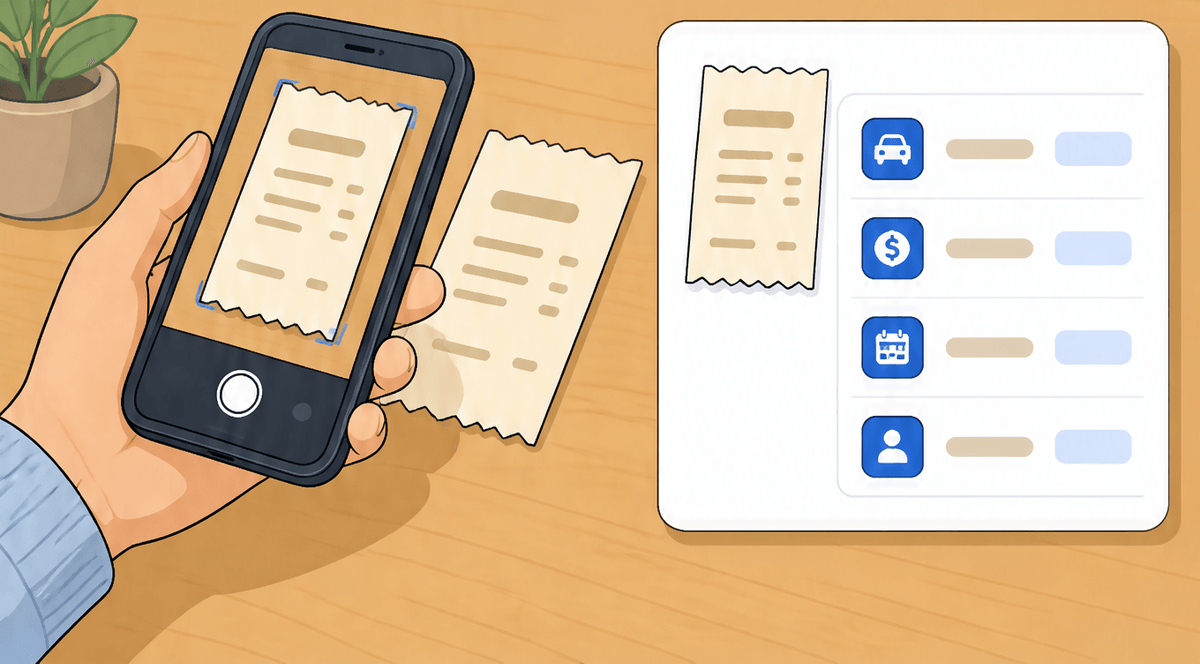
Yes. A phone photo is acceptable for taxes as long as it clearly shows the date, amount, vendor, and what you bought, and you keep it somewhere you can find later. The risk is never the format. The risk is a blurry shot, a cropped total, or a photo buried in a camera roll you cannot search in March. Capture the whole slip, keep it legible, and store it where it is organized, not just saved. For the full paper-versus-digital breakdown, see our guide on whether digital receipts are valid for the CRA.
The IRS $75 rule: when you can skip the receipt (and the lodging exception)
There is a real threshold under the rule, and it is widely misunderstood. Under IRS Publication 463, for certain travel, transportation, meal, and entertainment-type expenses under $75, you are not strictly required to keep the documentary receipt, as long as you still record the details (amount, date, place, and business purpose) in a log or expense record.
Two important caveats. First, lodging is the exception: you need a receipt for lodging no matter the amount. Second, the $75 figure is a documentary-evidence threshold for specific expense types, not a blanket "anything under $75 needs no record" rule, and it does not lower the bar for actually having the expense. For most freelancers the simplest policy is to keep everything, because the cost of capturing a receipt is now near zero. The rule is useful to know; it is rarely worth relying on. If you are leaning on it for a meaningful amount, confirm the current treatment with a tax professional.
Can I claim a deduction without a receipt? The Cohan rule explained
Sometimes the receipt is genuinely gone. The Cohan rule, named for a US tax case, allows a court or the IRS in some situations to accept a reasonable estimate of a deductible expense when you have other credible evidence but no receipt. Bank statements, calendar entries, emails, and a consistent pattern of spending can all help reconstruct the picture.
Treat this as a safety net, not a strategy. Cohan does not apply to the stricter categories like travel, meals, and gifts, where the law specifically demands documentation, and an estimate always loses to a clean receipt. If you have lost a slip you need, our post on claiming a deduction after a lost receipt walks through the reconstruction steps. The better move is to stop losing receipts.
How long should I keep receipts for taxes? (US 3 to 7 years vs Canada 6 years)
Here is the side-by-side that almost no single competitor gives you cleanly.
In the US, the IRS ties retention to the statute of limitations. The general rule is 3 years from the date you filed. But keep records 6 years if you under-reported income by more than 25 percent, and 7 years if you are claiming a loss from worthless securities or a bad-debt deduction. Employment tax records have their own window (keep them at least 4 years). If you never filed or filed fraudulently, there is no limit, which is its own argument for filing on time.
In Canada, the CRA rule is simpler: keep your records and supporting documents for 6 years from the end of the last tax year they relate to. The CRA can ask you to keep them longer in some situations, but six years is the working default for self-employed Canadians.
For more detail on the windows and edge cases, see our deeper post on whether digital receipts hold up and how long to keep records. And because retention periods depend on your specific situation, this is a good spot to confirm with your accountant rather than guess.
How to organize receipts so you can actually find them at tax time
Knowing what to keep is half the battle. The other half is finding it. A pile you cannot search is barely better than no pile at all. A system that works for freelancers usually has three traits:
- Capture at the moment of purchase. The receipt you photograph at the counter is the receipt you still have in April. The one you mean to deal with later is the one that fades.
- Categorize as you go. Sorting once a year is miserable. Tagging each expense to a category (home office, software, travel) the moment it lands turns tax prep into a review, not a reconstruction.
- Store it where it is retrievable. Legible, backed up, and searchable. A folder of 400 unnamed photos fails the "retrievable" test the agencies care about.
If you want the full system, our guide to tracking expenses without a spreadsheet lays it out end to end, and our breakdown of CRA business expense categories helps Canadian freelancers map slips to the right T2125 lines.
FAQ
What receipts should I keep for taxes when self-employed? Keep a receipt for every business expense you intend to deduct (home office, software, travel, meals, marketing, professional fees, equipment) plus your income records (invoices, 1099s or T-slips, deposit records). When in doubt, keep it; the cost of an extra photo is nothing.
Do I need to keep paper receipts, or are digital copies fine? Digital copies are fine. Both the IRS and the CRA accept scanned and photographed receipts as long as they are legible, complete, and retrievable. You can recycle the paper once you have a clear digital copy.
What is the IRS $75 receipt rule? Under IRS Publication 463, you may not need to keep a documentary receipt for certain travel, transportation, and meal expenses under $75 if you still record the amount, date, place, and business purpose. Lodging always needs a receipt regardless of amount, and the simplest approach is still to keep everything.
How long do I need to keep business receipts? In the US, generally 3 years, but up to 6 or 7 years in specific situations (under-reported income or bad-debt claims). In Canada, the CRA rule is 6 years from the end of the relevant tax year. Confirm the window for your situation with a tax professional.
Can I claim a deduction without a receipt? Sometimes. The Cohan rule allows reasonable estimates with other credible evidence in some US cases, but it does not cover the stricter travel, meal, and gift categories, and an estimate is always weaker than a real receipt.
Are phone photos of receipts acceptable for taxes? Yes, as long as the photo clearly shows the date, amount, vendor, and what you bought, and you store it where you can retrieve it later.
Can I use bank or credit card statements instead of receipts? A statement shows that you paid someone, but not what you bought, so on its own it is weak evidence. Many self-employed people keep statements as a backup, paired with the receipt that shows the description.
What records does the CRA require self-employed Canadians to keep? Records that support every amount of income and expense you report, with income records showing the date, amount, and source, kept for 6 years from the end of the relevant tax year. Electronic records are accepted.
Do I have to submit my receipts with my tax return? No. You keep receipts in case the tax agency asks; you do not file them with your return. Your job is to be able to produce them if you are ever reviewed.
Keep a clean, searchable copy without the shoebox
Most of this comes down to one habit: capture each receipt clearly, categorize it once, and store it somewhere you can search. That is what scan-ai does. Snap a photo or forward the email confirmation, and the AI reads every line item, including tax, and sorts the expense into US Schedule C or Canadian T2125 categories. Your receipts become a clean, searchable record you can find in March, and you can ask your receipts anything ("what did I spend on software last quarter?") instead of digging through a folder of photos.
scan-ai keeps a clean, searchable copy you can export to CSV. Your accountant keeps doing the part software should never replace: the judgment calls on what is deductible and how. The two work better together.
Start free at scan-ai.ca: 20 receipt scans, no credit card. Turn the shoebox into a list you can trust before the next tax season sneaks up.
How scan-ai compares
For one specific job, turning a pile of receipts into tax-ready, categorized records you can ask questions about, scan-ai is the cheapest option here and the one built around the Canadian T2125 and US Schedule C tax lines. It also reads every line on a receipt and gives each line its own tax category, on every plan, where the mass-market tools here (Expensify, QuickBooks, Wave, Shoeboxed) capture only the header total. Dext extracts lines too, but meters that feature and sells to firms. scan-ai starts free with 20 scans and no credit card, and tops out at $10/month for unlimited receipts.
| Tool | Entry price | Free tier | Line-item capture | T2125 / Schedule C tax lines | Ask-your-receipts chat | Built for |
|---|---|---|---|---|---|---|
| scan-ai | Free, then $3/mo (Starter) or $10/mo (Pro), USD | Yes. 20 receipt scans + 5 AI chats, no credit card | Yes. Reads every line on the receipt and gives each its own tax category, on every plan | Yes. Maps each receipt to US Schedule C and Canada T2125 lines | Yes. Ask your own receipts anything in plain language | One freelancer or self-employed person (US + Canada) |
| Expensify | $5 / member / month (Collect plan); Control tier costs more, USD | Mostly paid per member; limited free use | No. SmartScan captures the header: merchant, date, and amount | Not built around Schedule C / T2125 lines (US expense management) | Concierge automates expense tasks; not receipt Q&A | Teams and corporate-card programs |
| Dext (Receipt Bank) | Quote-based; practice plans priced per client, 10-client minimum | Free trial only | Yes, but metered. Line Item Extraction is automatic but spends per-document credits on firm plans | Captures and categorizes, then publishes to accounting software; not a sole-proprietor T2125 map | Not stated | Accounting and bookkeeping firms |
| Shoeboxed | $9 to $179 / month (Starter to Paper Plus), USD | No free plan (30-day money-back guarantee) | No. Captures header fields per receipt: vendor, total, date, and tax | Auto-tags expenses by tax category; T2125 / Schedule C line mapping not stated | Not stated | Receipt digitizing, including mail-in paper scanning |
| QuickBooks Online (Canada) | ~$22 CAD / month regular for EasyStart, the entry plan; intro discounts vary | Free trial only | No. Receipt capture pulls date, vendor, and total; splitting into lines is manual | Full accounting that organizes for tax time, not a per-receipt T2125 line map | Intuit Assist AI rolling out; not focused on receipt Q&A | Full accounting, invoicing, and payroll |
| Wave | Free; Pro $19 USD / $25 CAD per month. Receipt capture is an $11/mo add-on on the free plan | Yes, but receipt capture is a paid add-on or Pro-only | No. OCR fills date, amount, and category; no per-line breakdown | Bookkeeping categories; not built around T2125 / Schedule C lines | Not stated | Free accounting and invoicing |
The bigger suites do things scan-ai does not: bank-feed import, invoicing, and payroll. On mileage, scan-ai logs trips manually and applies the CRA and IRS standard rates, carrying the total onto T2125 line 9281 or the Schedule C vehicle line, but it does not detect trips automatically by GPS the way a dedicated tracker does. scan-ai stays focused on reading receipts, categorizing them to the right tax line, and answering questions about them, priced for one freelancer rather than a team. If you want a full accounting system, pair scan-ai with one or pick a suite. If you mainly need your receipts read, categorized, and searchable, scan-ai does that for less.
Sources, verified June 2026 (prices change; check each vendor)
- scan-ai: scan-ai pricing
- Expensify: Expensify: $5 Collect plan announcement; Expensify pricing; Expensify SmartScan: pulls merchant, date, amount
- Dext (Receipt Bank): Dext pricing (business); Dext plans for accountants and bookkeepers; Dext Line Item Extraction (credit-metered)
- Shoeboxed: Shoeboxed pricing; Shoeboxed: data captured per receipt
- QuickBooks Online (Canada): QuickBooks Online Canada plans and pricing; QuickBooks Online EasyStart (Canada); QuickBooks: receipt capture pulls date, vendor, total
- Wave: Wave pricing; Wave: scan and upload receipts (date, amount, category)